Fleet and vessel structure
Map each vessel, department and rank hierarchy. Know which roles are open, approved, shortlisted or ready to embark.
Give crewing and catering teams a live view of every vessel, open position, agency partner, candidate, document and placement — from first staffing request to embarkation.
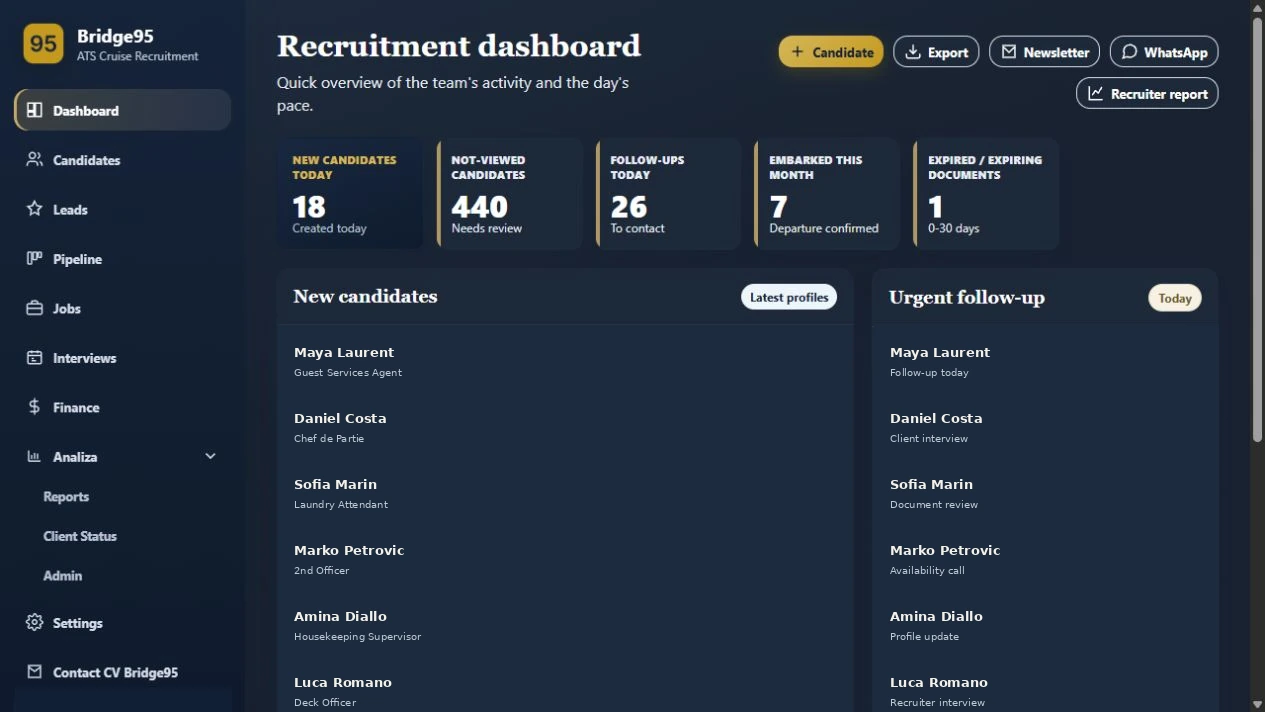
Bridge95 turns disconnected email threads, spreadsheets and document folders into a single operating picture. Each team sees the records and actions relevant to them, while the cruise line keeps control of its standards and decisions.
Map each vessel, department and rank hierarchy. Know which roles are open, approved, shortlisted or ready to embark.
Create a requisition with position, quantity, vessel, embarkation window and requirements. Keep the original request attached for context.
Assign a request to approved partners, track submissions and keep agency activity linked to the correct vacancy.
Return structured feedback, accept or decline candidates and keep every decision visible to the people responsible.
A repeatable workflow for every role, every vessel and every agency relationship.
Capture the role, department, vessel, headcount and embarkation date.
Route the requisition to one or more approved agency partners.
Review candidate profiles, maritime experience and role fit in context.
Share shortlists, request feedback and record decisions without losing the trail.
Track passport, medical, STCW and other readiness documents with expiry visibility.
Confirm placement, dates and financial outcomes for a clean handover.
Keep each ship’s departments, ranks and staffing needs connected. Move from a fleet overview to a vessel, then from a position directly to the candidates who match it.
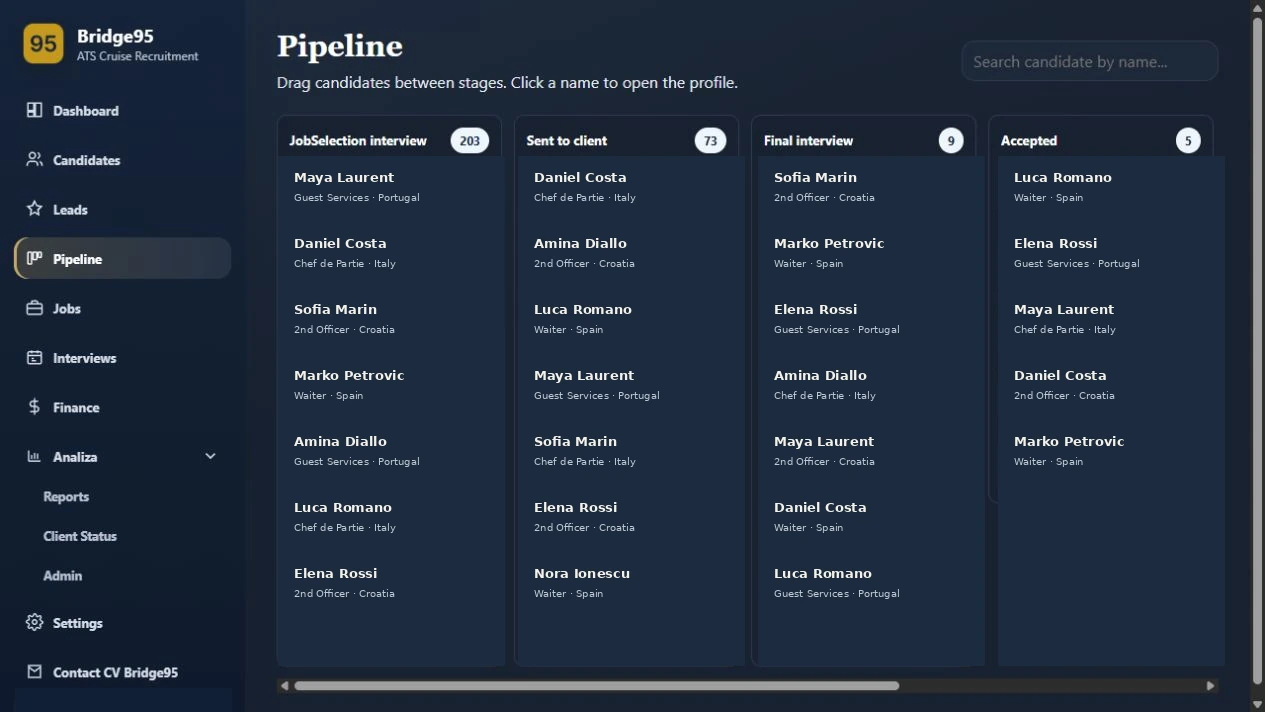
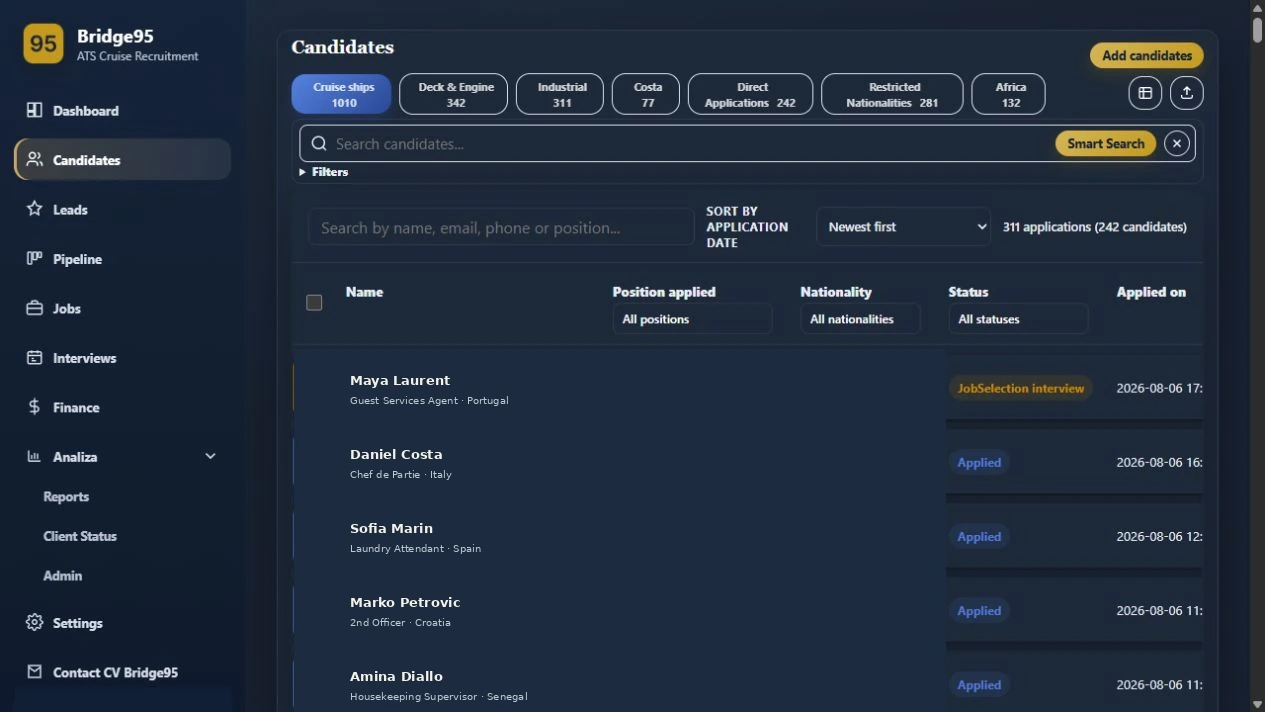
Agencies can work against the requisitions assigned to them while the cruise line retains a complete view of submissions, feedback and outcomes.
Keep the evidence behind every placement with the candidate record. Teams can review source CVs and supporting files without searching through inboxes.
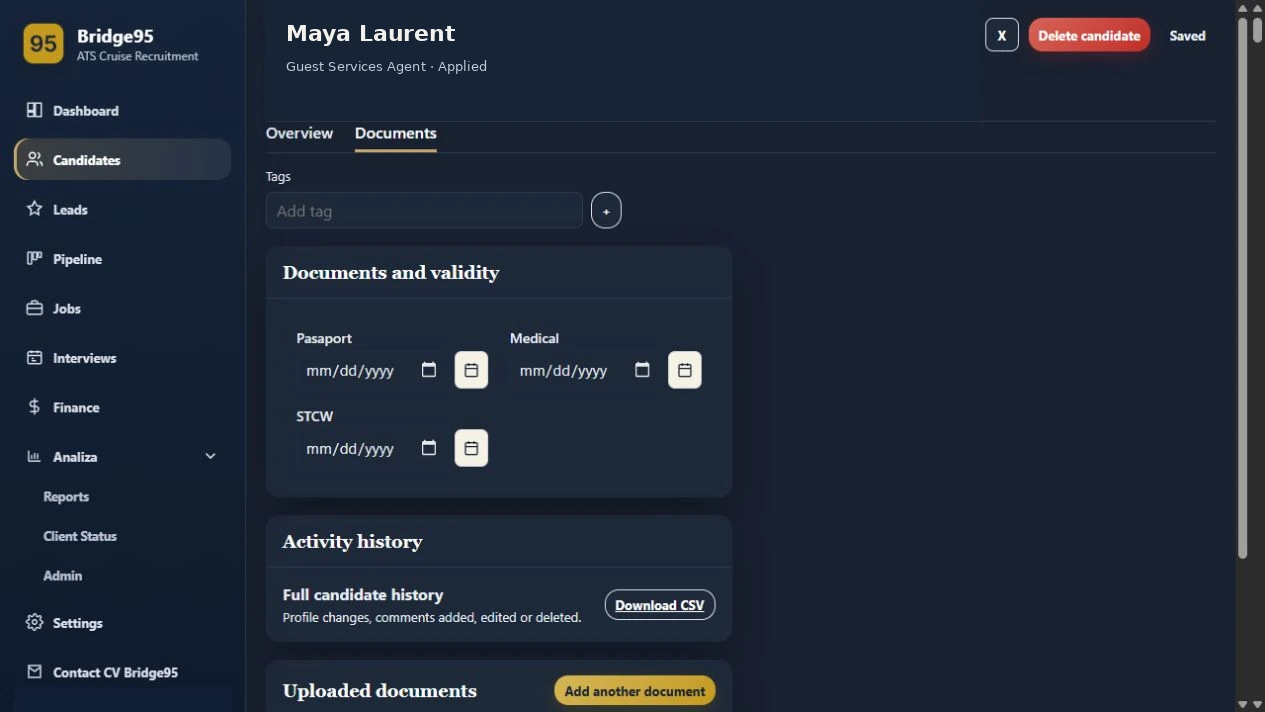
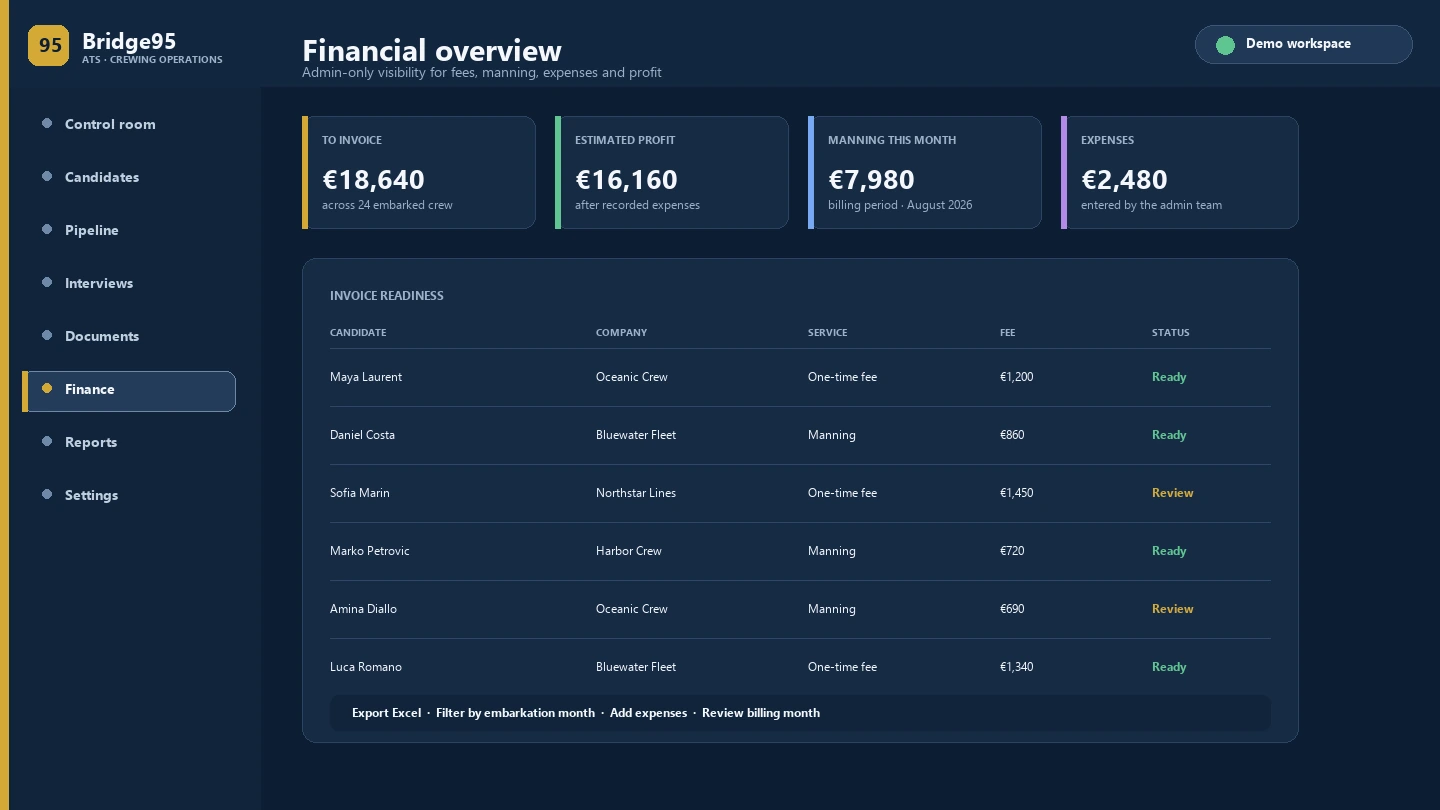
Keep agreed fees, placement outcomes and service activity tied to the same records your recruitment team already uses.
Yes. Fleet, vessel, department and rank structures can be kept together while each requisition remains tied to the exact operational need.
Create or import a staffing request, select approved partners and track submissions and feedback against that request.
Yes. The request can retain its source communication and extracted details so the team can verify the operational context at any time.
Yes. Documents, status, placement dates and agreed fee context remain connected to the candidate and requisition workflow.
Walk through your vessels, agencies, staffing requests and reporting needs with a tailored product presentation.
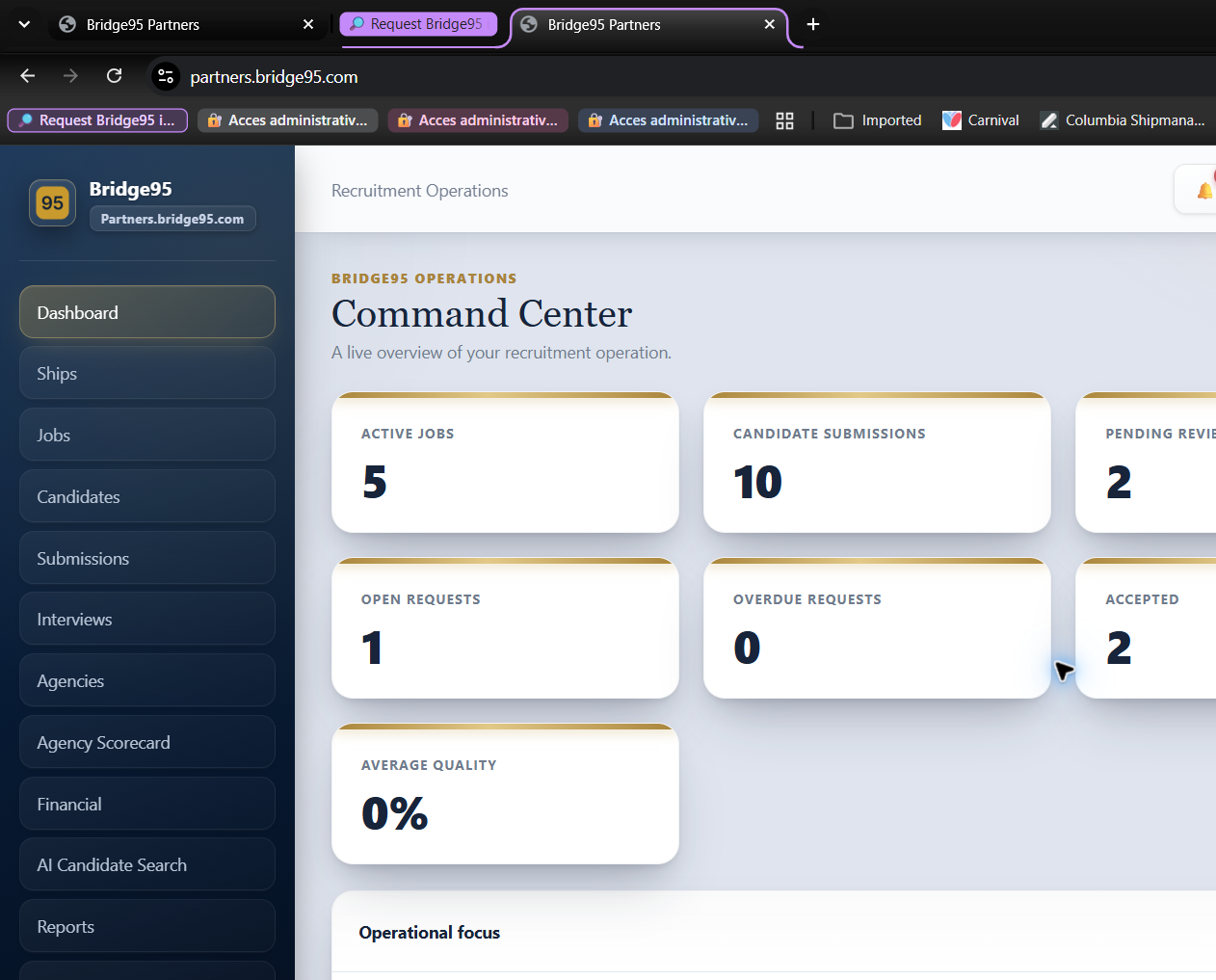
The Partners workspace connects fleet, jobs, candidates, agencies, submissions, interviews, finance, AI search, reports, notifications and settings in one operating view.
Live counts for active jobs, submissions, pending review, interviews and open requests.
Fleet organization chart, departments, ranks, filled positions, vacancies and movement dates.
Create, pause, close, cancel, bulk-assign and notify agencies about client jobs.
Filter by position, agency and status with job-specific quality scoring.
Maintain approved partners and compare quality, response time and delivery performance.
Connect placements, embarkation, onboard days, contract fees, invoices and amounts owed.
Surface likely matches and turn operational activity into decisions for leadership.
Keep alerts, users, access and workspace rules under control.
This view shows the partner workspace used to coordinate ships, jobs, submissions, agencies, scorecards, finance and operational alerts.